How it's built
Engineering
This site is a working production system, not a template. It takes real enquiries for a real business, so here is how it's built, what's measured, and what's still worth improving.
In 30 seconds
- A production site for a one-person studio. It takes real enquiries, stores them in Postgres in Sydney and raises an alert in Slack.
- Next.js 16, React 19 and TypeScript in strict mode, hosted on Vercel in Sydney. No UI library and no client-side state library.
- The measurements below are an archived local-build snapshot from 15 October 2026. They do not describe the current release.
- Start with the decisions below. The honest limits and the changelog are further down.
01 · Measured
A dated measurement snapshot
- Unit tests
- 174
- 10 files, no database
- End-to-end tests
- 108
- Historical suite count, not a current run
- Accessibility runs
- 36
- Recorded checks in the historical snapshot
- Lines of code
- 8,820
- 100 files, tests included
- Routes
- 18
- Pages and API handlers
- Runtime dependencies
- 9
- Versions pinned
- SQL migrations
- 1
- Checksummed, hand-written
- Secrets in git history
- 0
- gitleaks across 15 commits
Lighthouse
| Page | Performance | Accessibility | Best practices | SEO | LCP | TBT | CLS | Transfer |
|---|---|---|---|---|---|---|---|---|
| Home | 96 | 100 | 100 | 100 | 2.83 s | 32 ms | 0 | 337 KB |
| Questionnaire | 97 | 100 | 100 | n/a | 2.67 s | 33 ms | 0 | 268 KB |
Generated by `pnpm metrics` from a local production build and committed with the date and commit below. Lighthouse figures are lab data: mobile emulation with simulated slow 4G and a slowed CPU, median of three runs. Snapshot recorded 15 Oct 2026 from base commit c5862b3 with uncommitted local edits; their exact revision was not recorded with Lighthouse 13.5.0. The questionnaire has no SEO score because it is deliberately kept out of search results.
What these numbers don't show: there's no real-user performance monitoring yet, so there's no field data on speed from real visitors. The headline takes about 2.8 seconds to paint under Lighthouse's throttling, which is the number most worth bringing down. The original record used a base commit plus local edits; those edits were not identified by a separate commit.
02 · Architecture
How it fits together
03 · Decisions
Decisions worth explaining
Each one: the situation, what was chosen, what was turned down, and the lesson or how it's checked.
- 01
One validator, two places
Questionnaire answers need friendly checks on a phone and strict checks on the server, and some questions only appear depending on earlier answers.
- Chose
- Questionnaires are versioned TypeScript definitions. A zod schema is built from the definition, and the same code validates each step in the browser and the whole payload on the server. Answers to hidden questions are dropped and never required.
- Turned down
- Hand-written validation per form, and hosted form builders that would keep client answers on someone else's servers.
- How it’s checked
- Unit-tested, including a hidden question that gates another hidden question.
- 02
Spam defence without a CAPTCHA
Visitors are small-business owners on their phones. A puzzle at the end of a five-minute form costs real enquiries.
- Chose
- A hidden honeypot field plus an HMAC-signed start time bound to the questionnaire and version. Too fast, forged or week-old tokens are rejected.
- Turned down
- Cloudflare Turnstile and WAF rate limiting, for now. They're the next step if real spam shows up.
- Lesson
- Fast typists and autofill can beat the five-second minimum, so the form waits it out and resends once instead of showing an error.
- 03
Atomic writes on a driver without transactions
The serverless Postgres HTTP driver has no interactive transactions, but a personal invite and its response must change together.
- Chose
- The insert and the invite update go through one batch, and a unique index on the invite turns a double submit into a clean "already submitted".
- Turned down
- Opening a WebSocket connection pool inside each serverless request just to get a transaction.
- How it’s checked
- An end-to-end test opens the same invite in two tabs and checks that the second submission is refused.
- 04
Migrations you can't quietly edit
The production database holds real enquiries, so schema changes need to be reviewable and repeatable.
- Chose
- Hand-written, dated SQL files. Each runs in its own transaction and is recorded with a SHA-256 checksum, and the runner refuses to continue if an applied file has changed.
- Turned down
- Pushing schema changes straight from the ORM to production.
- How it’s checked
- Verified by deliberately editing an applied file: the runner refused. Line endings are normalised so Windows and Linux checkouts agree.
- 05
Accessibility as a gate, not a polish pass
It's easy to claim accessibility and hard to keep it once animations and colour themes pile up.
- Chose
- axe-core is configured for selected public routes, the main discovery questionnaire’s steps and selected admin screens in light and dark, plus a keyboard-only test of the main questionnaire.
- Turned down
- One-off manual audits before launch.
- Lesson
- A fade-in animation made off-screen cards fail a contrast check mid-animation. Switching to movement-only animation fixed it and also made the headline paint sooner.
- 06
Fonts without layout shift
The display serif is a big part of the look, and a late-loading font made the headline jump.
- Chose
- Fonts are self-hosted at build time through next/font, which preloads them and generates a size-matched fallback.
- Turned down
- Loading fonts from Google at runtime.
- Lesson
- Removing the fade exposed a layout shift of 0.165 from the font swap. With the matched fallback it measures 0.
- 07
Privacy by construction
Enquiries contain names, emails and business details that the sender trusts the studio with.
- Chose
- No IP addresses or user agents are stored. Slack alerts say who submitted and link to the admin page, never the answers. The lead webhook carries IDs only and is signed with HMAC-SHA256. Page views are counted with cookieless, aggregate analytics.
- Turned down
- Cookie-based trackers, advertising pixels and session recording.
- 08
Tests that cannot touch production
End-to-end tests submit real forms, so pointing them at the wrong database would be a real incident.
- Chose
- They run against a local production build and a throwaway database branch, and refuse to start unless the environment says they're on that branch. The branch is created for a run and deleted afterwards.
- Turned down
- A long-lived shared test database.
- Lesson
- Running against the dev server gave flaky failures from first-visit compiles and from cloud-sync file locks, so the suite now builds first and the repo lives outside synced folders.
- 09
Fail closed
The admin area shows every enquiry, so a missing setting must lock it rather than leave it open.
- Chose
- If no admin account is configured, the admin area returns 503 rather than opening up. Sign-in uses scrypt password hashes compared in constant time, a signed, HTTP-only session cookie that expires, and a slowdown after repeated failures. Admin pages are never cached or indexed.
- Turned down
- Relying on platform password protection, which isn't available on the hosting plan, and browser Basic auth, which has no sign-out.
04 · Stack
Stack
- Next.js 16 (App Router) and React 19
- TypeScript, strict, with noUncheckedIndexedAccess
- Tailwind CSS v4, self-hosted fonts, no UI library
- Postgres on Neon (Sydney) with Drizzle ORM
- zod 4 for validation at every boundary
- Vitest, Playwright and axe-core
- Vercel (Sydney region), deployed from main
- pnpm, pinned dependency versions
05 · Changelog
What shipped
A dated log across the products. Newest first.
Bywater Interactive siteEditorial redesign, a capabilities page and proper admin sign-in
A paper-and-ink design with lavender as the single accent, light or dark to match your device. New Capabilities page with shipped proof for every line, scrypt-based admin sign-in with signed sessions, and cookieless analytics.
Bywater Interactive siteReal product screens on every project card
Marketing-page captures replaced with each product doing its job, run locally on demo data: a booking calendar, a coach dashboard, a growth audit, a completed agent run and games mid-play.
Bywater Interactive siteScreenshots of the games and projects
Real screenshots and trailer frames on the Games pages and project write-ups, each with a written description. A test checks every file exists, stays small and matches its declared size.
Bywater Interactive siteQuick enquiry, Follow the build and an accessibility statement
A one-minute enquiry alongside the full questionnaire, a progress-update signup on every game page, and a plain accessibility statement.
Bywater Interactive siteMobile menu and a site-wide UI sync
One header with a proper phone menu and current-page marking, shared page headers, a fuller footer and restyled admin screens.
Bywater Interactive siteSlack alerts for new enquiries
Each enquiry posts who sent it and a link to the admin page. Answers and contact details stay out of Slack.
Bywater Interactive siteGames branch with per-game progress pages
Bywater Interactive siteThis Engineering page, with generated numbers
Bywater Interactive siteLavender redesign
Bywater Interactive siteFirst release: questionnaires, personal invite links and admin
06 · Limits
Still worth improving
Honest limits of the current version:
- The admin area has one account today. Accounts are configured, not self-service, and there's no two-factor sign-in or audit trail yet.
- There is no bot challenge beyond the honeypot and timing check, the sign-in slowdown is per server instance, and there's no error monitoring yet.
- Deploys go straight from main to production with no staging environment; the plan for adding one is written up in the README.
- CI runs lint, type checks, unit tests and a production build on main pushes and pull requests. The database-backed browser suite is configured for an isolated development branch. Separate public-page checks use mocked form delivery; neither substitutes for verifying the other.
07 · Projects
Other projects
Products and tools Bywater has built outside client work.
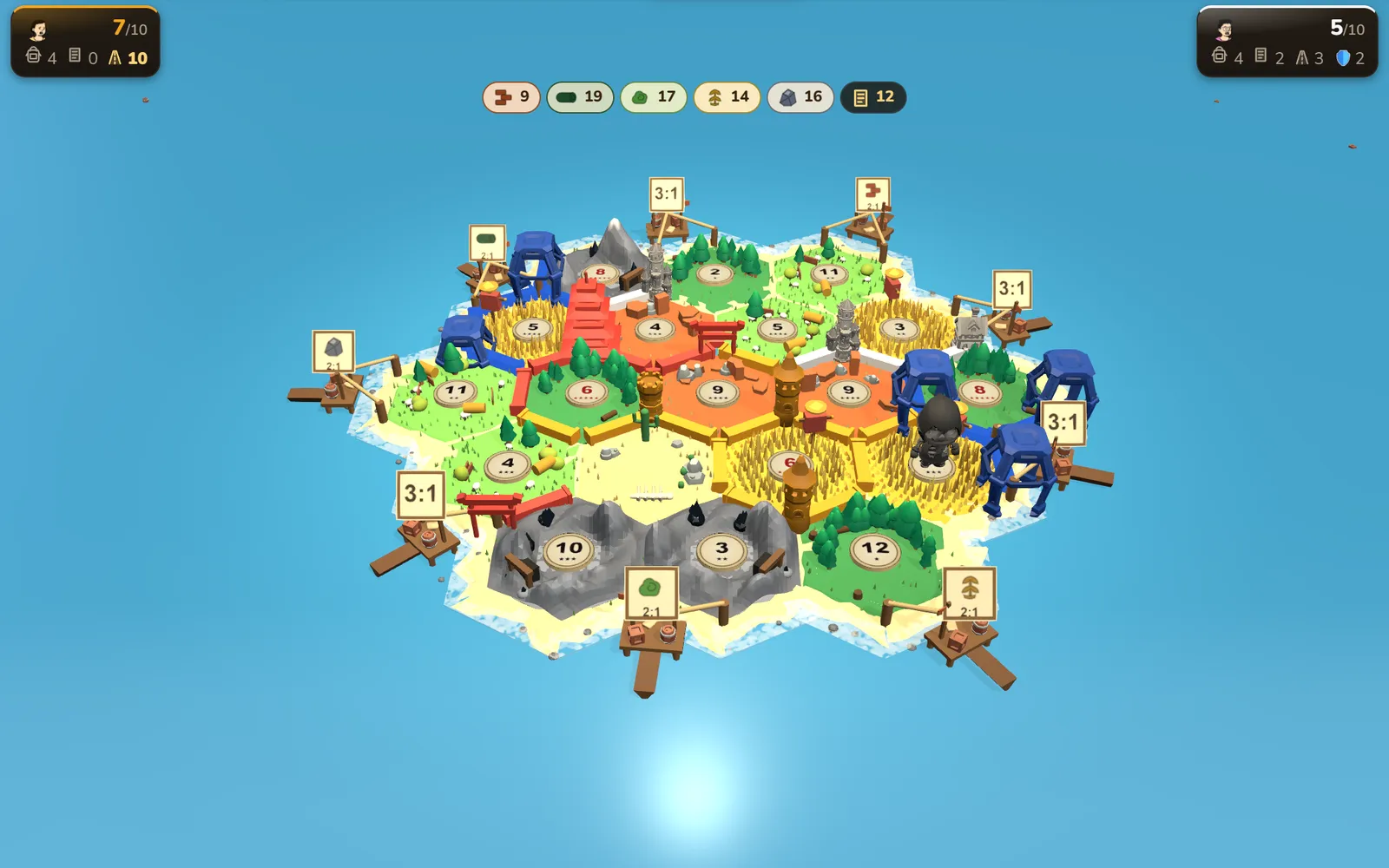
ForgeFrontier
LiveA free multiplayer island-building strategy game: settle, trade and build to 10 renown, solo against bots, pass-and-play, or online with friends.
- Three ways to play, including asynchronous online rooms that run turn by turn over hours or days with a web-push "your turn" alert.
- Easy, medium and hard bots that trade, counter near-miss offers and fill empty seats.
- A lightweight 2D renderer and a full three.js 3D board with selectable graphics quality.
- Persisted Elo ladder and leaderboard, achievements and avatar cosmetics.
- A separate Astro landing site that owns the domain root and proxies the game under /play.
Next.js 15 · React 19 · three.js · Drizzle · Postgres · NextAuth v5 · Vitest
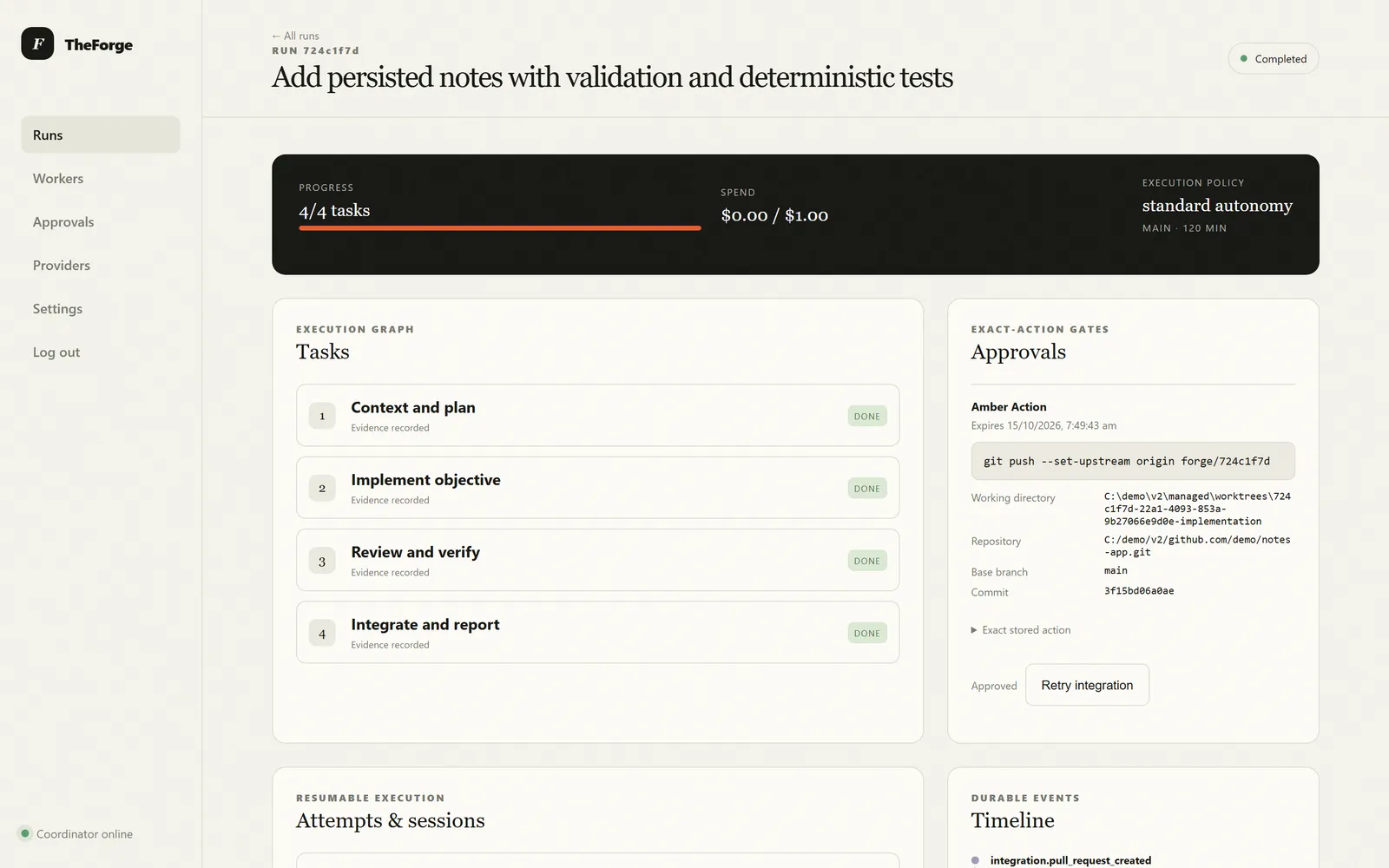
TheForge
A model-independent orchestration system designed to turn a rough objective into verified, reviewable work: a tested pull request with evidence, or an honest report of what is blocked and why.
- Designed to coordinate multiple AI model providers, local workers, repositories, tests and approvals through one controlled workflow.
- Designed around two honest outcomes: a reviewed PR with passing acceptance criteria, or a precise completion report. It must never hide failures or invent completion.
- Written down first: operating rules, architecture, security policy and an execution protocol for the agents that work on it.
TypeScript
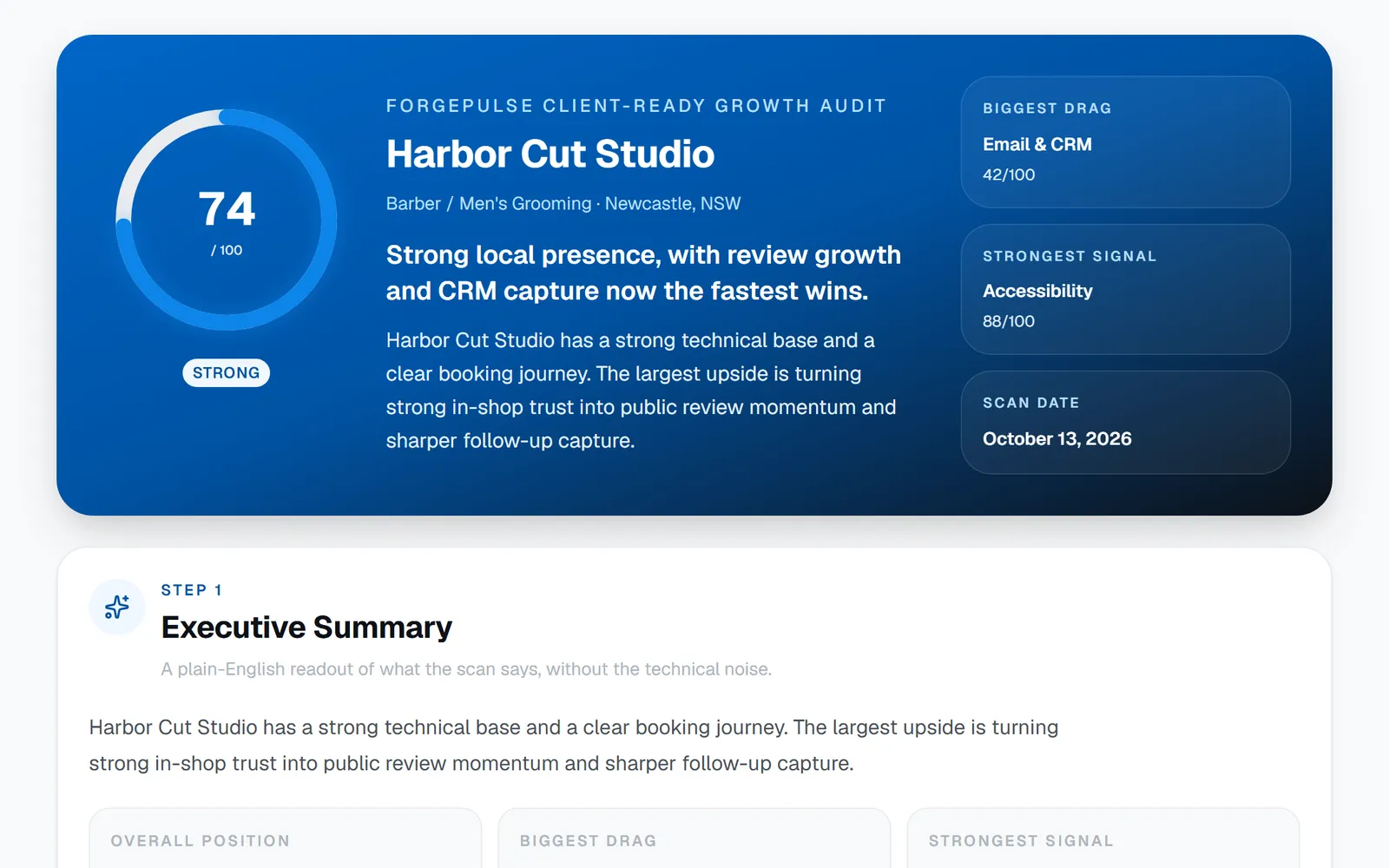
ForgePulse
An AI-assisted growth radar for local service businesses: it scans a website, benchmarks competitors, scores growth readiness and produces a shareable report.
- Scores booking flow, trust, reviews, accessibility, conversion and email/CRM signals.
- AI report generation with provider fallback and deterministic demo output.
- Admin session protection, SSRF safeguards, same-origin checks on admin writes and tokenised public report links.
Next.js · TypeScript · Prisma · Tailwind CSS
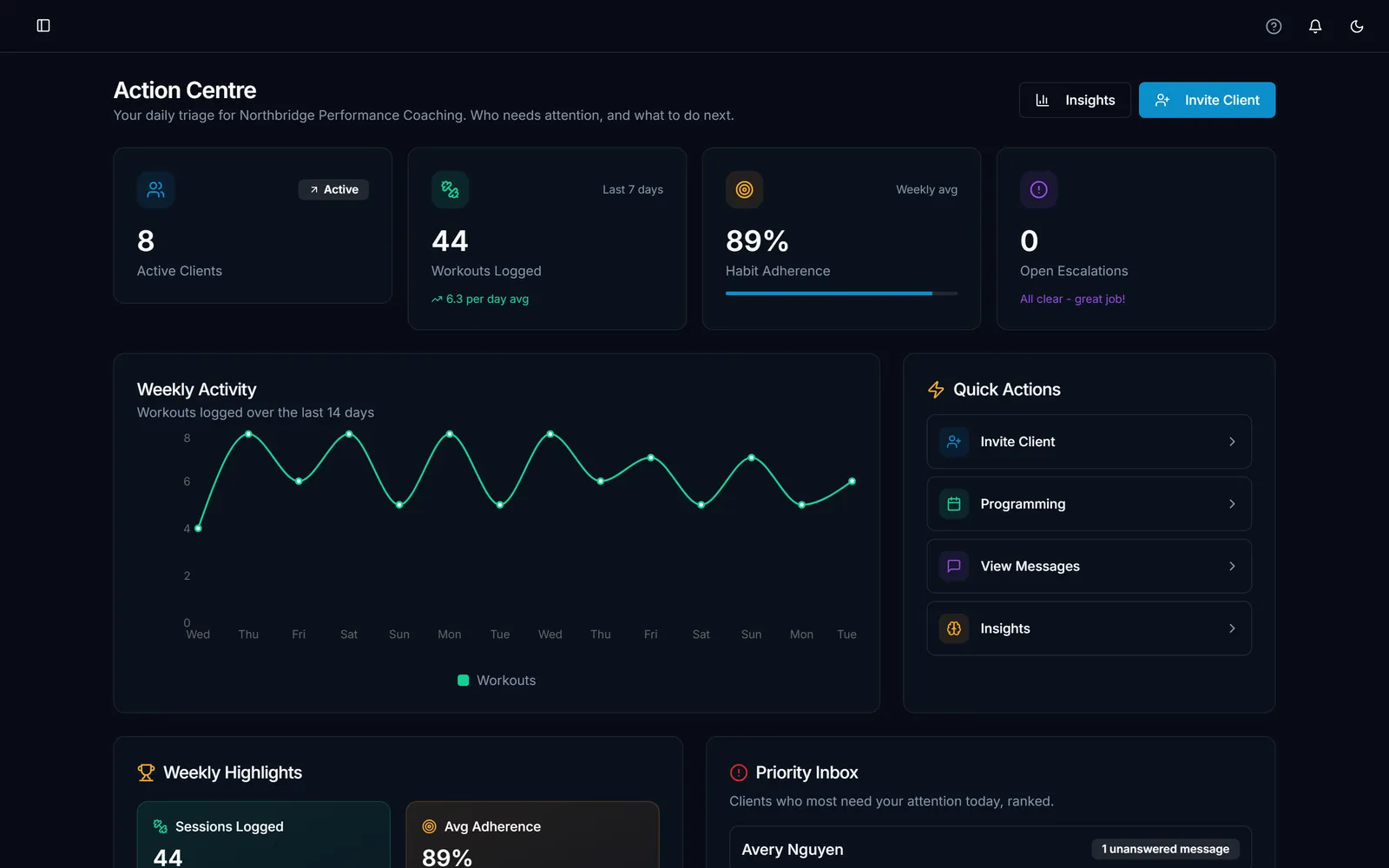
FitnessForgeOS
In betaFitForge (Coach-Connect): a multi-tenant online coaching platform with a React client and an Express API backed by Postgres.
- Multi-tenant by design, with provider-backed OAuth sign-in and server-side session cookies (SameSite=Lax, Secure in production).
- Test suite split into unit, API and end-to-end tests, run against an ephemeral Postgres in Docker so no shared database is ever touched.
- GitHub Actions provisions Postgres and runs the type check, schema setup and all three test layers.
- Schema bootstrapped from code, then ordered SQL migrations recorded in a table, so fresh environments and deploys follow the same path.
React · TypeScript · Express · Postgres · Drizzle · Docker · GitHub Actions
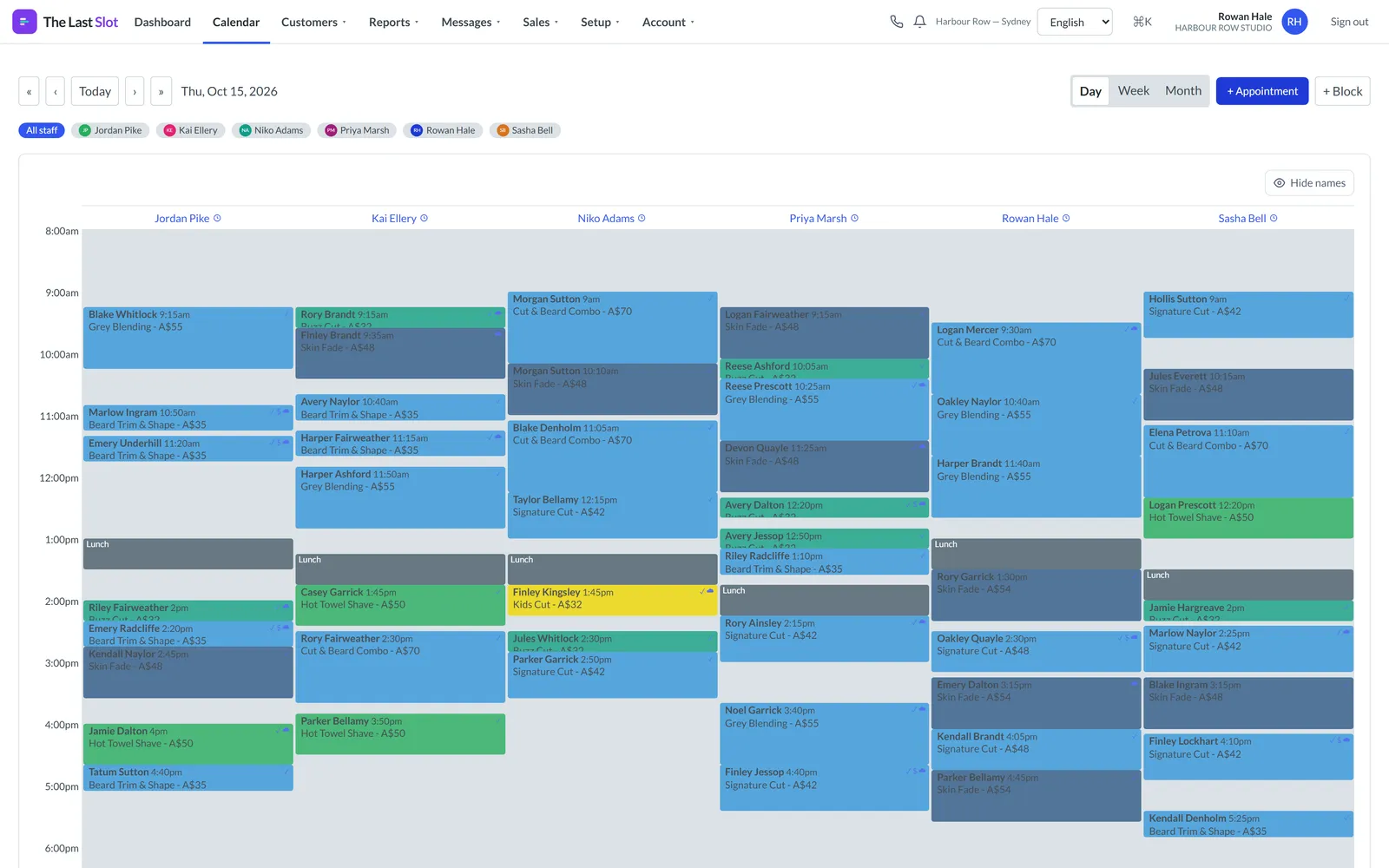
The Last Slot
Product prototypeAn original booking platform for appointment-based businesses such as barbershops, salons, clinics and personal trainers. The repo is called BookingOS.
- Multi-staff calendar with a conflict-aware availability engine and public online booking.
- Client CRM, point of sale with deposits and split payments, products and stock, packages, vouchers and rewards.
- Messaging and automation, reports with CSV export, roles and permissions, and strict multi-tenant isolation.
- Runs fully locally on mock email, SMS and payment providers, so it can be developed and tested without any third-party account.
Next.js 15 · TypeScript · Tailwind CSS · Drizzle · Postgres · Vitest · Playwright